
A few members have reported issues with the verification codes to log on to the booking system. If you don't receive a verification email
- Check your spam folders, on device and web. Unfortunately we can't control what your email provider regards as spam
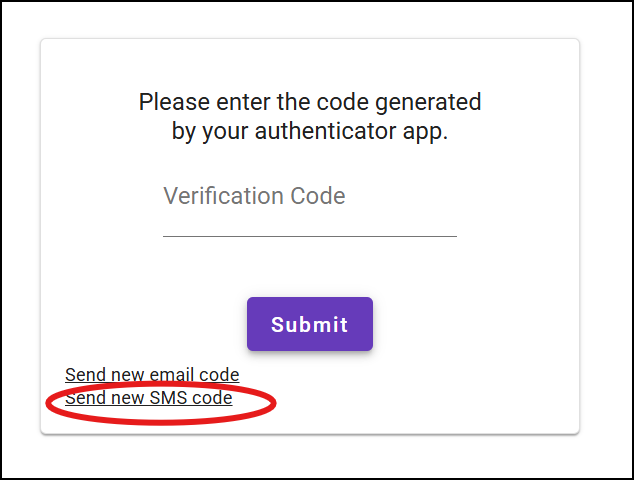
- You can also request an SMS instead on the Verification Code screen
- For the longer term, you can change your default verification method for the booking system. In the Members menu, select Login Security to choose SMS or an authenticator app (such as Googe Authenticator) as the default. Setting up an authenticator app takes a few more steps but is more secure and eliminates issues with delays or non-delivery of emails and SMS codes. Many websites and apps provide support for authenticator apps.